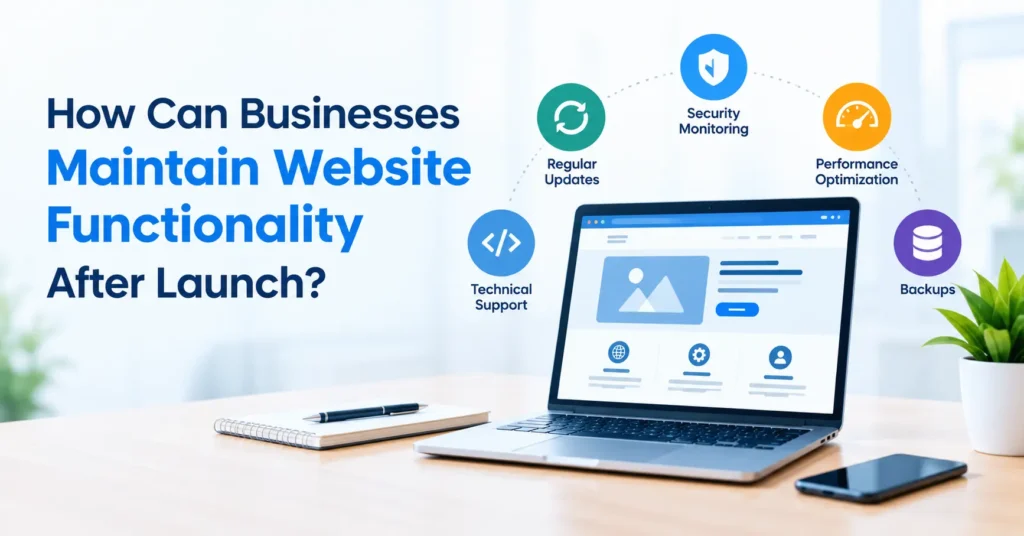
Establishing a website for your business is a significant step towards promotion, but it’s not the end to everything. No matter how perfect your website is on launch day, things like broken links, outdated technology, bugs, and hackers can take a toll on how your website functions throughout time. Consistent website maintenance can help you circumvent those issues.
No matter if a business has an ecommerce shop, a service website, or a corporate site, regular upkeep offers a steady online experience. It also helps guard against unanticipated problems, ensuring your company continues to earn clients’ trust, generate web traffic, and receive enquiries.
Learn how companies can ensure websites remain functional after going live in this blog.
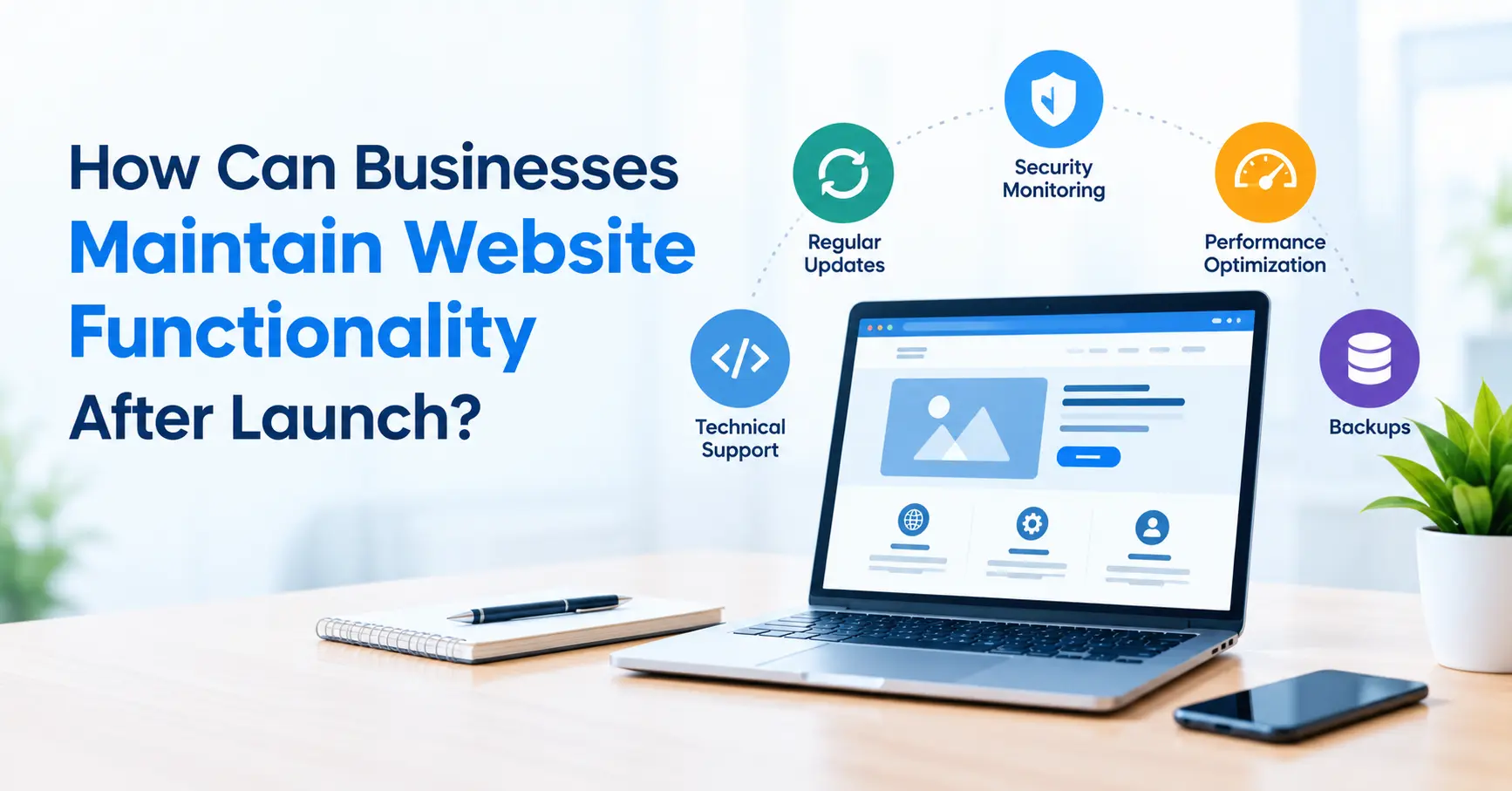
1. Perform Regular Website Updates
Websites use various technologies, like content management systems, plugins themes, setups, and server software. These components may receive updates to boost functionality, fix bugs, and improve security.
Developers or administrators need to check for updates and install them after testing them for compatibility with the current website system.
For instance, software updates may involve the core software, as well as themes and plugins for the website, while modern applications built on top of structures such as Next.js may involve dependency updates and testing.
Always generate a backup before you make any major updates, and test changes in staging environment when possible to help prevent you from breaking the entire site.
Ensuring that different parts of your website are kept up to date can help ensure everything still works together and avoid unnecessary tech issues.
2. Monitor Website Performance and Loading Speed
Website speed is an important factor for the user experience. Users may abandon a website if pages take too long to load or if website elements do not work correctly.
Businesses should routinely check website performance and look for problems that impact loading speed.
Useful maintenance activities include:
-
Images and Media Files Tuning.
-
Simplify by removing needless scripts and third-party tools.
-
Verifying response times.
-
Minimize unnecessary redirect.
-
Core Web Vitals monitoring.
-
Measuring how a website performs on a cell phone.
There are tools such as Google PageSpeed Insights that can help pinpoint performance issues and recommend optimizations.
By regularly monitoring you can identify any fluctuations in performance early and ensure that your visitors will have a smoother browsing experience.
3. Check Website Links, Forms, and Interactive Features
Enquiry forms, contact buttons navigations search mechanisms, reservation systems and more. When they do not work, businesses lose, enquiries, and end up infuriating customers.
Frequent functional testing can detect issues before them impacting a significant portion of your visitors.
Test that all internal links go to the correct pages, contact forms are being submitted successfully and buttons do what they are supposed to do.
For example, a Web-based service should routinely check that enquiry forms are working and that information submitted is arriving at the appropriate email address or CRM.
Check broken links, missing pages, wrong redirects and error messages.
Verifying common website features helps confirm that end-users will be able to navigate the website and use critical features easily and efficiently.
4. Maintain Website Security
Business security for your website is imperative to safeguard its contents, customer data and accessibility. Security flaws can be exploited by malware, spam, and other malcontents.
Businesses should follow a standard protocol for security maintenance.
Other steps that can be taken include applying security patches, using strong passwords, enabling multi-factor authentication (if it exists) and limiting access to administrators, and tracking suspicious activity.
The SSL/TLS certificate should also be configured in the correct way so that your site is served over HTTPS.
User permissions should be kept up-to-date, and access that is no longer needed should be revoked. Websites that gather personal data should adhere to relevant privacy and data-protection standards.
Security checks, vulnerability scanning and patching in time can help to minimize risks and ensure the website will continue to work reliably.
5. Create Regular Website Backups
Website data is unavailable data can become unavailable due to a unexpected incident like a server going down, file deletion, failed updates, or malicious hacking attacks.
Having a backup is an insurance of sorts if something goes wrong.
The complete repository should also be included in your backups like other critical components of the website, such as databases, uploaded files, and configuration files. The frequency of backups should depend on how often the site content is changed.
For instance, if you have a website that takes orders on a daily basis, you will probably want to back it up more often that a website that has minimal changes.
Store backups safely and, where feasible, store a copy off-site from your hosting environment. And even more importantly, regularly test the restoration process to ensure that the backups are usable.
Having a dependable backup plan minimizes the website downtime and when they face issues, website recovery becomes effortless.
6. Keep Website Content Accurate and Updated
Website Management Content Management the content on your website needs to be just as well looked after. It needs to be accurate, appropriate, and useful.
Consider reviewing your business’s, service, pages, and product descriptions, as well as contact info pricing FAQs, and company info.
Old and out of date information creates confusion and doubts in the mind of the customer.
Content audits can reveal opportunities for improvement; for example, improving readability, removing old content, updating links, and finding topics that we’ve not yet covered.
With SEO, keeping the content helpful and up to date may help make the user experience better. Updates alone may not lead to a higher search ranking on Google; the updates need to add actual value for visitors.
A targeted content review is a chance to make sure your site is truly representative of your business and what you want to accomplish.
7. Test Website Compatibility Across Devices and Browsers
A visitor may view the web site on various devices, different screen sizes, different browsers, or different operating systems. A page that looks OK on a desktop PC will sometimes not look OK on a mobile phone.
Test key pages and functionality in many different browsers and screen sizes, and when you do changes or redesigns.
Test that menus open as expected, text is legible, images are displayed, and that forms function.
Design should focus on the areas of mobile navigation buttons layout of pages, and selling process or enquiry.
Testing regularly for compatibility ensures you deliver a consistent experience and that people get the key information they need no matter what device they are using.
8. Monitor Website Analytics and Technical Issues
Website analytics and monitoring tools help the business understand how the website is performing over time.
Google Analytics can provide data on website traffic, user behavior, and conversions. Google Search Console can be used to track search performance, indexing issues, and some technical issues that may impact visibility in Google Search.
Examine key measures. Look into significant fluctuations and consider whether they need further analysis. If enquiries suddenly drop, it could be caused by a broken form, tracking issues or altered user behaviour.
Also, spotting uptime and server errors can keep teams ahead of any potential technical issues.
Consistent assessments allow the site management to be proactive and focus on improvements with data.
Conclusion
Ensuring your website continues to work properly after going live all websites need to be kept up to date secure backed-up, performing well, providing suitable content and overall working optimally. Businesses can test and monitor their websites regularly to find technical glitches before they impact the site’s critical functions.
A website maintenance schedule also is designed to safeguard business data, improve reliability, and ensure the website adapts to new customer requirements.
A website maintenance service can ensure that your website is continuously monitored and maintained by professionals if your business does not have the available time or technical resources. We help businesses to find website maintenance and website technical support services that are most appropriate for their website needs.